Functions: Naming Your Ideas
A function packages a piece of logic under a name, so you can reuse it anywhere. Learn parameters, return values, and how functions make big programs manageable.
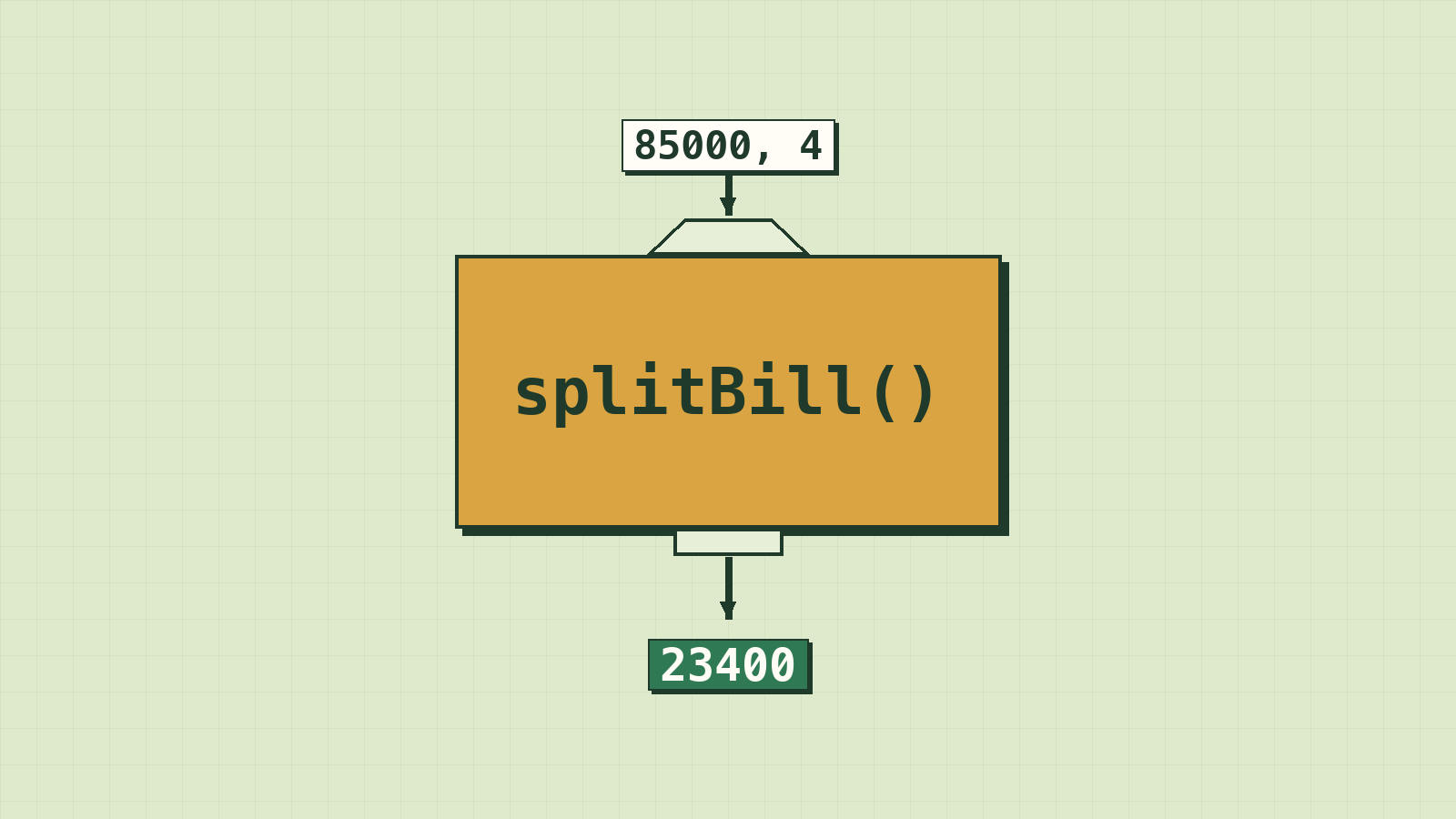
You've been using functions since lesson 1 without thinking about it. console.log() is one. Math.round() is one. Someone wrote them once, gave them a name, and now millions of programmers use them every day without knowing what's inside.
That's the whole idea: wrap up a piece of logic, give it a name, and from then on, just say the name.
In this lesson you'll start writing your own. It's the step where your code stops being a long list of instructions and starts being built from pieces.
A function is a named recipe
In lesson 1 we said a program is like a recipe. A function is a recipe with a name, which you can use again and again just by saying its name.
You've already used functions: console.log(), Number() and Math.round() are all functions someone else wrote. Now you'll write your own.
function sayHello() {
  console.log("Hello!");
  console.log("Welcome to PanhaInsight.");
}

sayHello();
sayHello();
There are two separate steps:
- Defining the function (the
function sayHello() { ... }part) writes the recipe down. Nothing runs yet. - Calling the function (
sayHello();) actually runs the code inside. You can call it as many times as you like.
Parameters: giving the function information
A recipe for "make tea" is more useful as "make tea for this many people". Parameters are the blanks you fill in each time you call the function.
function greet(name) {
  console.log(`Hello, ${name}!`);
}

greet("Dara");   // Hello, Dara!
greet("Sokha");  // Hello, Sokha!
name is the parameter: a variable that only exists inside the function. The value you pass in ("Dara") is called the argument.
A function can take several parameters, separated by commas:
function introduce(name, city) {
  console.log(`${name} lives in ${city}.`);
}

introduce("Dara", "Siem Reap");
The order matters: the first argument goes into the first parameter, and so on.
Return values: getting a result back
So far our functions only print. But usually you want a function to calculate something and hand it back, so you can use the result. That's what return does.
function addTip(total) {
  return total * 1.10;
}

const bill = addTip(50000);
console.log(bill); // 55000.00000000001
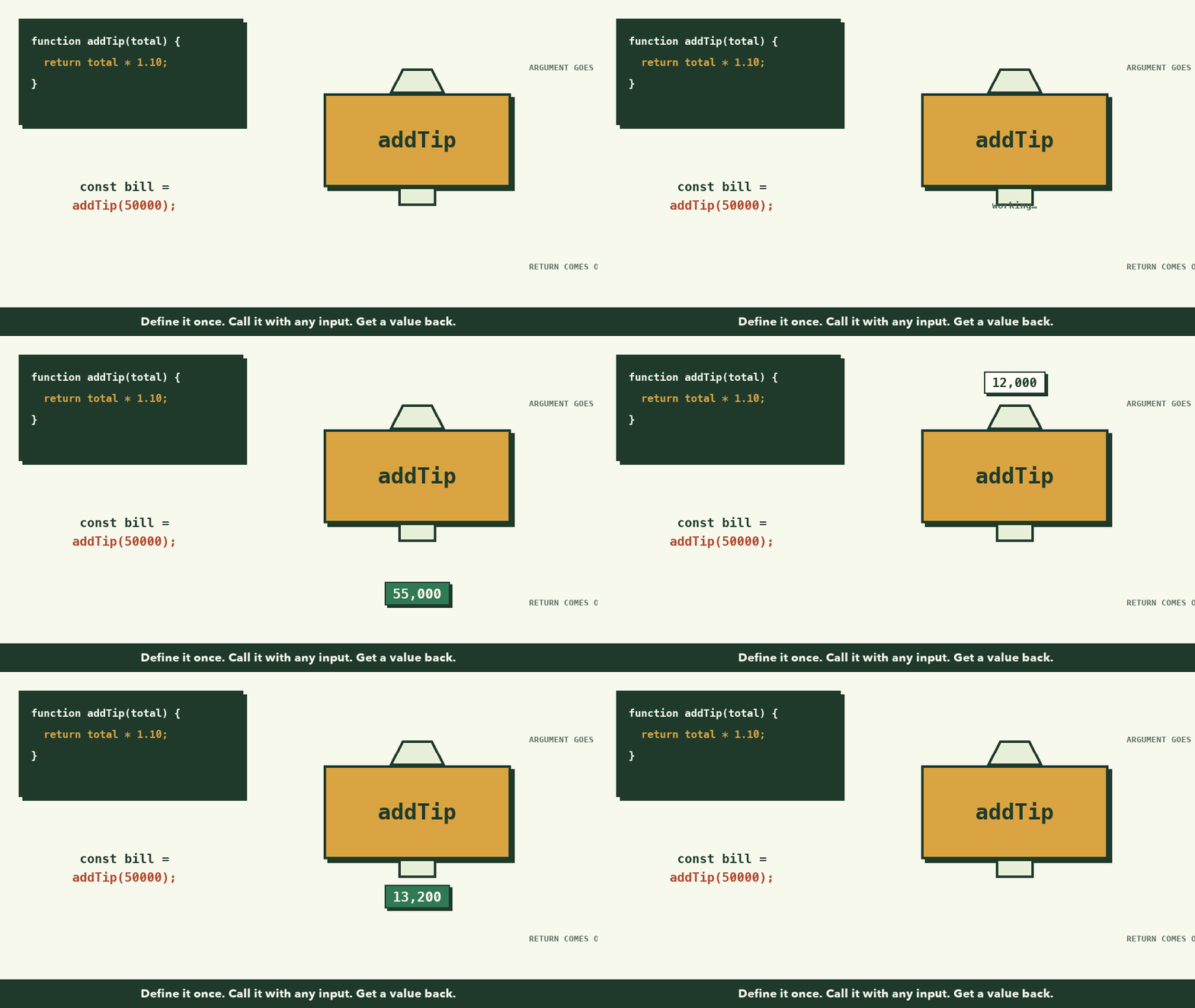
Think of return as the function's answer. addTip(50000) is replaced by whatever the function returns, just like 2 + 3 is replaced by 5.
(The long decimal at the end is how computers store some decimal numbers; it's normal. We'll round it in a moment.)
Once return runs, the function stops immediately. Any line after it is skipped.
return vs console.log: the classic confusion
These look similar but are completely different:
console.log(x) |
return x |
|
|---|---|---|
| What it does | Shows x on the screen, for humans |
Hands x back to the code that called the function |
| Can you use the result later? | No | Yes: store it, use it in maths, pass it on |
| Analogy | A cook who shouts "the soup is ready!" | A cook who hands you the bowl of soup |
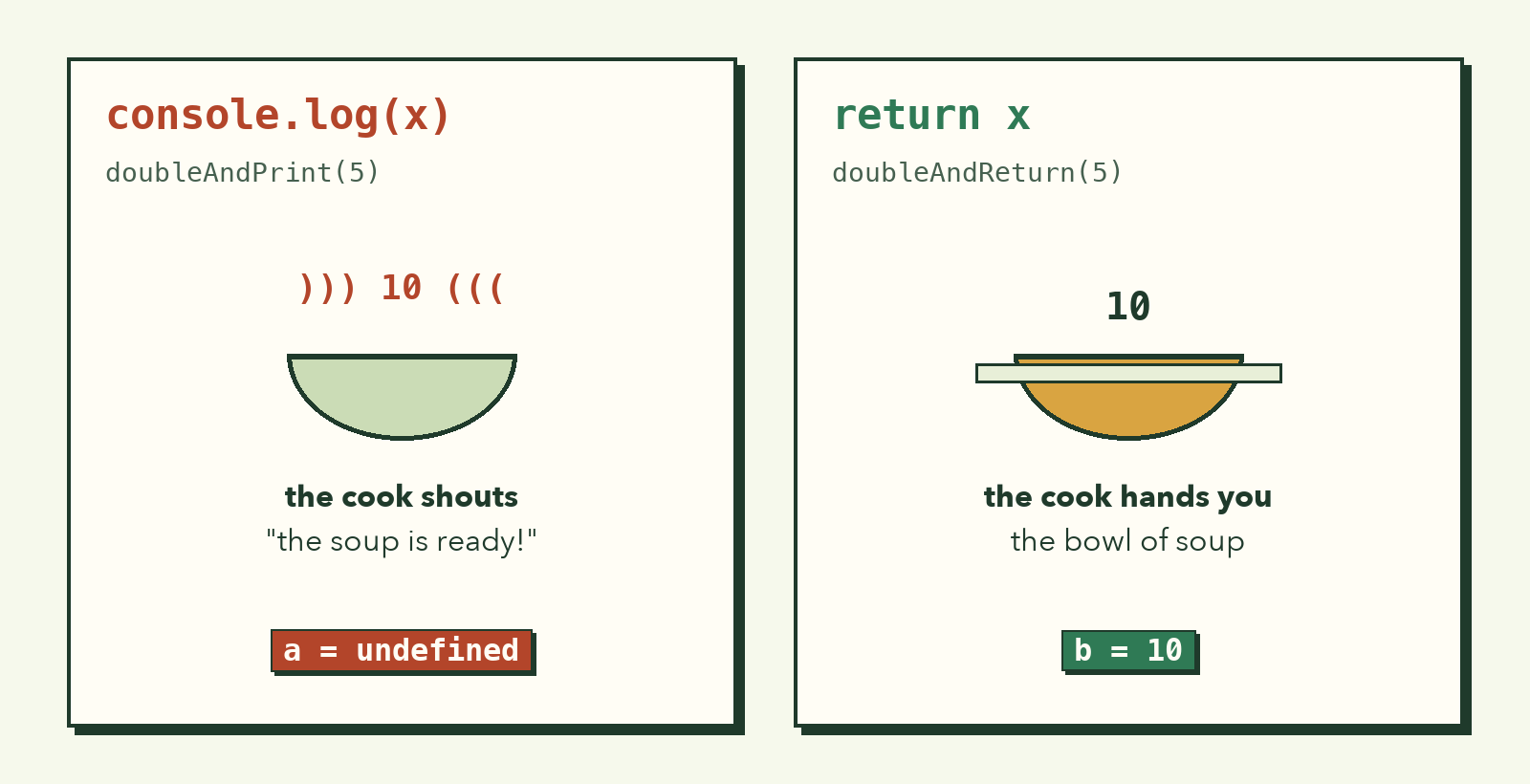
function doubleAndPrint(n) {
  console.log(n * 2);
}

function doubleAndReturn(n) {
  return n * 2;
}

const a = doubleAndPrint(5);   // prints 10...
const b = doubleAndReturn(5);  // prints nothing

console.log(a); // undefined  (we got nothing back!)
console.log(b); // 10
Rule of thumb: functions that calculate should return. Let one place in your program do the printing.
Functions can call other functions
This is where functions become powerful. Remember the bill splitter from lesson 2? Let's rebuild it from small functions, each with one job:
function addTip(total, tipRate) {
  return total + total * tipRate;
}

function roundToNearest100(amount) {
  return Math.round(amount / 100) * 100;
}

function splitBill(total, people) {
  const withTip = addTip(total, 0.10);
  return roundToNearest100(withTip / people);
}

console.log(splitBill(85000, 4)); // 23400
console.log(splitBill(42000, 3)); // 15400
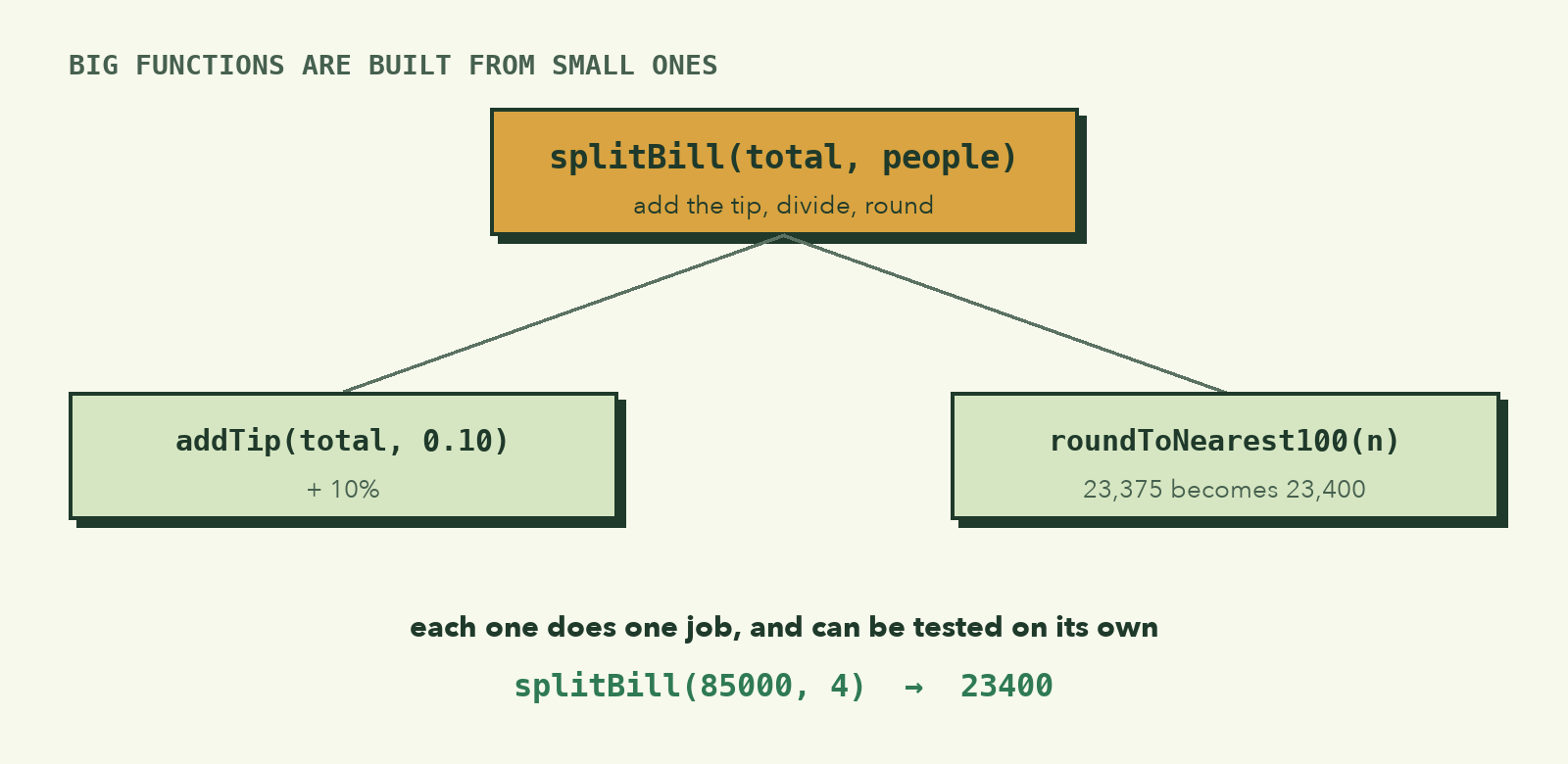
Read splitBill out loud: "add the tip, divide by the number of people, round it." It reads almost like the pseudocode we wrote in lesson 2. Good function names make code explain itself.
Why bother with functions?
| Benefit | What it means |
|---|---|
| Reuse | Write the logic once, use it in ten places |
| Readability | splitBill(85000, 4) says what happens; the details are tucked away |
| Fixing bugs | If rounding is wrong, you fix it in one function, not in ten copies |
| Testing | You can check each small function on its own |
The way professionals handle a big program is exactly what you learned in lesson 2: break it into small pieces. In code, those pieces are functions.
Arrow functions (a shorter way to write them)
You'll see this shorter style everywhere in modern JavaScript:
const square = (n) => {
  return n * n;
};

// If the body is a single expression, it can be even shorter:
const cube = (n) => n * n * n;

console.log(square(4)); // 16
console.log(cube(3));   // 27
It works the same way as the function style for everything in this course. Use whichever you find easier to read; just recognise both.
Writing good functions
- One job per function. If you need the word "and" to describe it, consider splitting it.
- Name it with a verb.
calculateTotal,isValidEmail,formatPrice. Functions do things. - Keep it short. If it doesn't fit on your screen, it's probably doing too much.
- Prefer returning over printing, so the result can be reused.
What to remember
- A function is a named, reusable block of code. Define it once, call it many times.
- Parameters are the inputs; the values you pass in are arguments.
returnhands a result back and stops the function.console.logonly displays.- Build big programs out of small functions that each do one job.
- Arrow functions
(n) => n * 2are a shorter way to write the same thing.
Try it yourself
- Write
usdToRiel(usd)that returns the amount in riel (1 USD = 4,100 riel). - Write
isAdult(age)that returnstrueorfalse. (Hint: you canreturn age >= 18;directly.) - Write
average(numbers)that takes an array and returns its average. Use a loop from the last lesson. - Use
averageand anifto print "Pass" if the average of[65, 70, 48]is at least 60, otherwise "Fail".
That completes the building blocks: variables, conditions, loops and functions. With just these four ideas you can build a surprising amount. Next, we learn to work like a builder, starting with what to do when things go wrong: debugging.