Learn one useful thing at a time.
Clear, hands-on lessons about the web, code, and the tools that help you build.
 Beginner
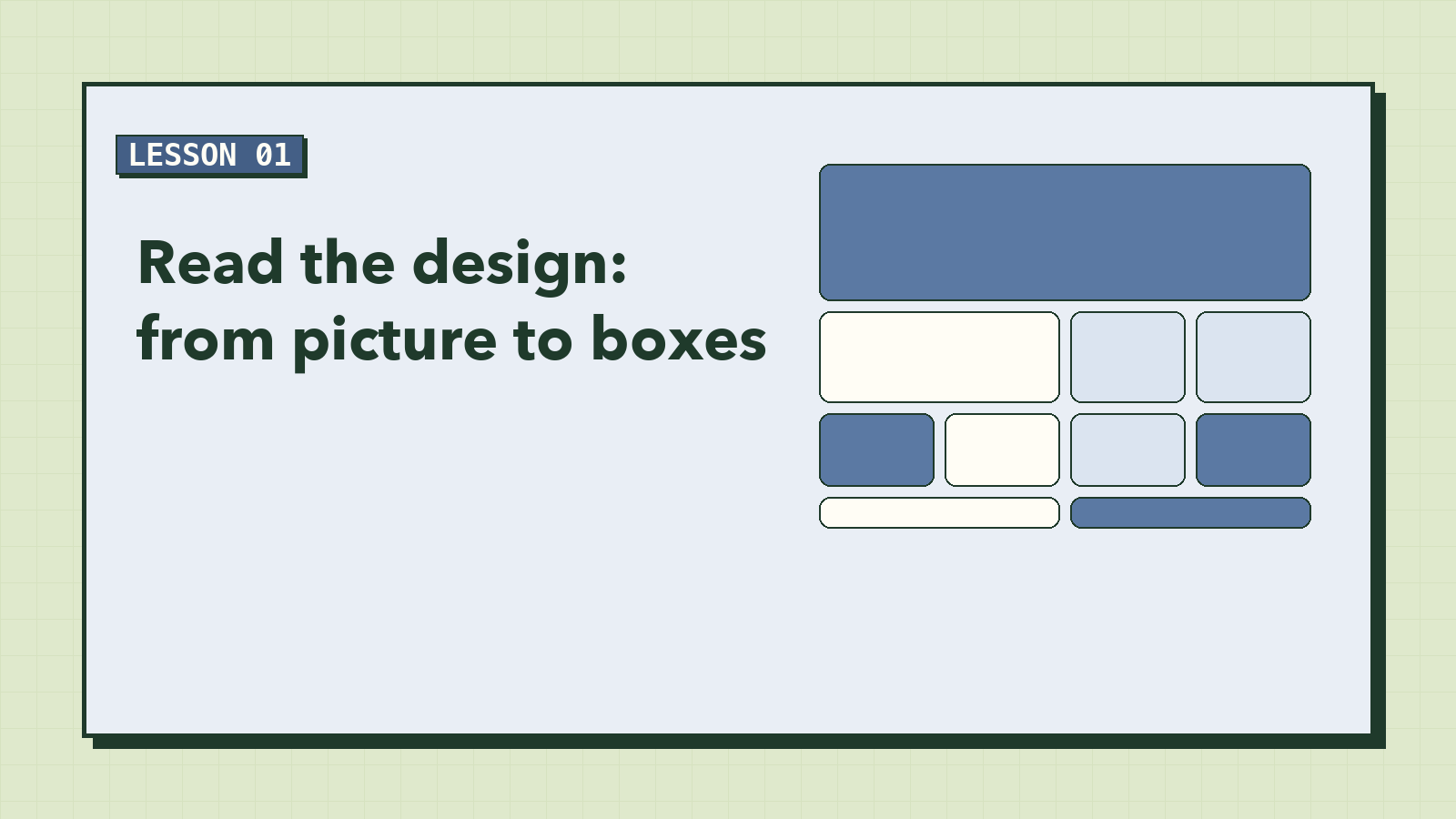
Read the Design: From Picture to Boxes
Every great page starts as a picture someone liked. Before writing a single tag, learn to look at a design the way a developer does: as a set of named boxes, a handful of colors, and a few rules that repeat.
 Beginner
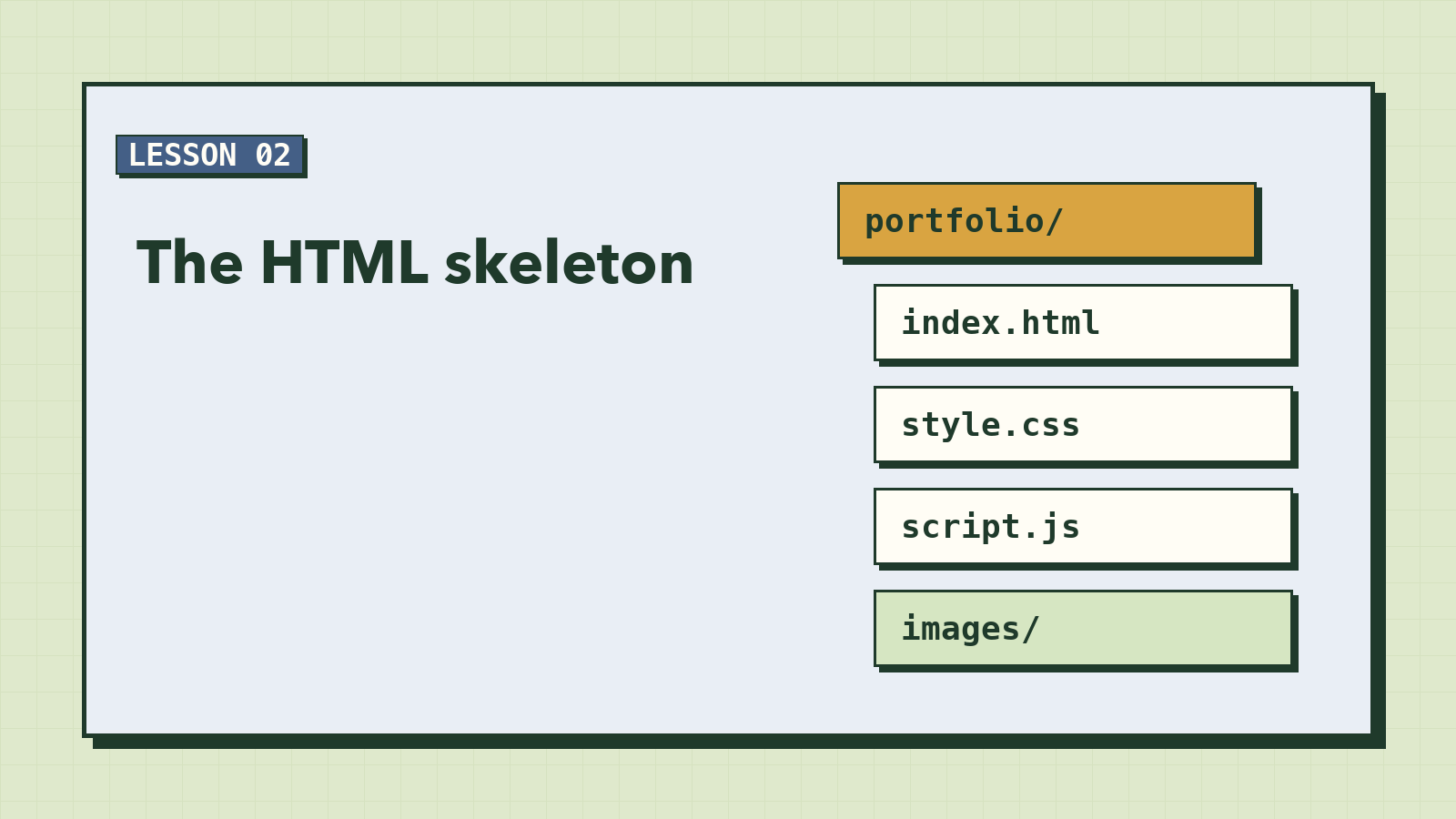
The HTML Skeleton
Before anything looks good, it has to make sense. Write the whole page in plain HTML: a header, one main grid, and ten sections that say what they are. It will look terrible, and that's exactly right.
 Beginner
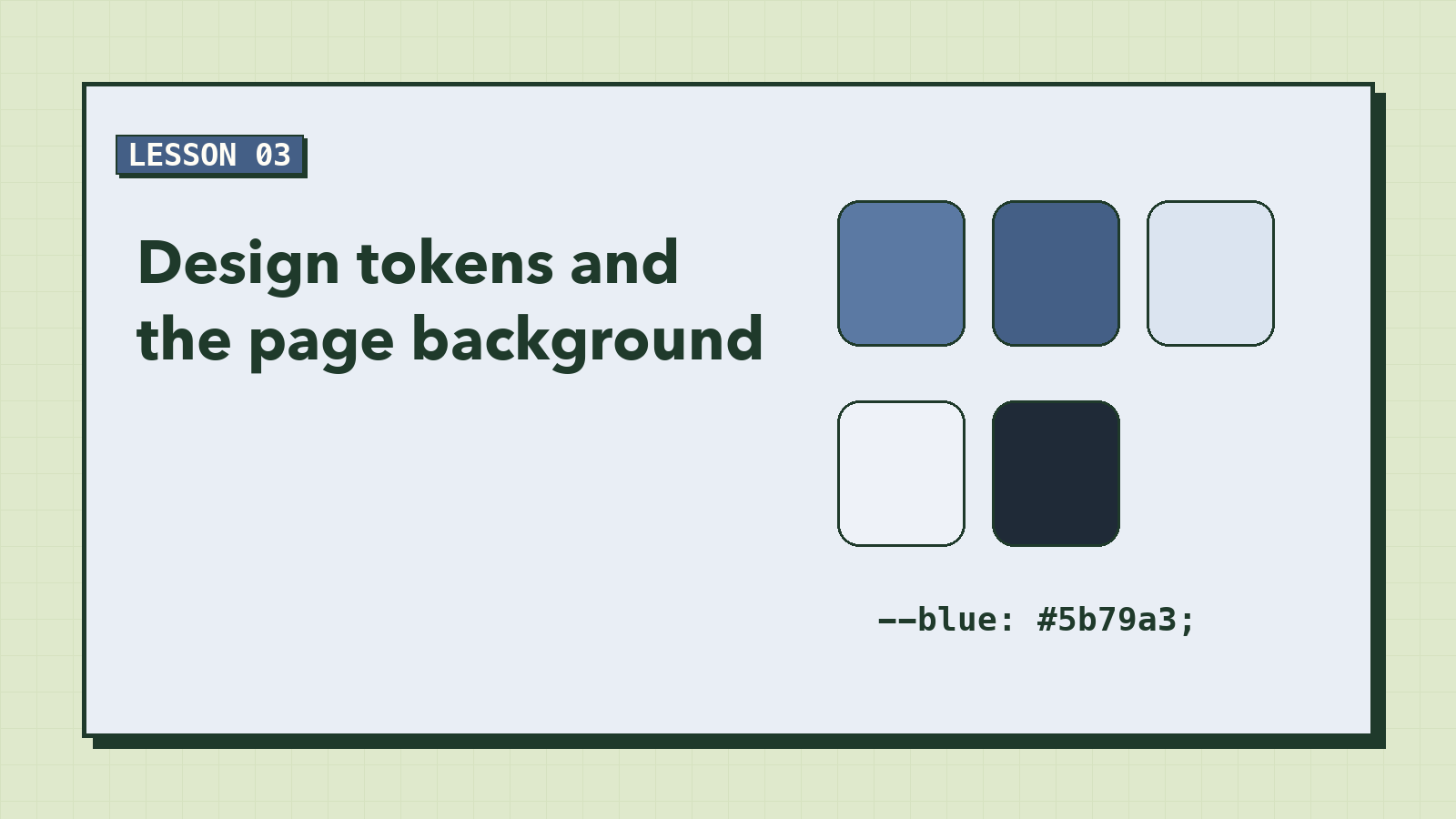
Design Tokens and the Page Background
Six colors, one font, two corner sizes. Put them in CSS variables once, and every rule you write after this points back to them. Then paint the page: a soft blue gradient with a faded portrait floating behind it.
 Beginner
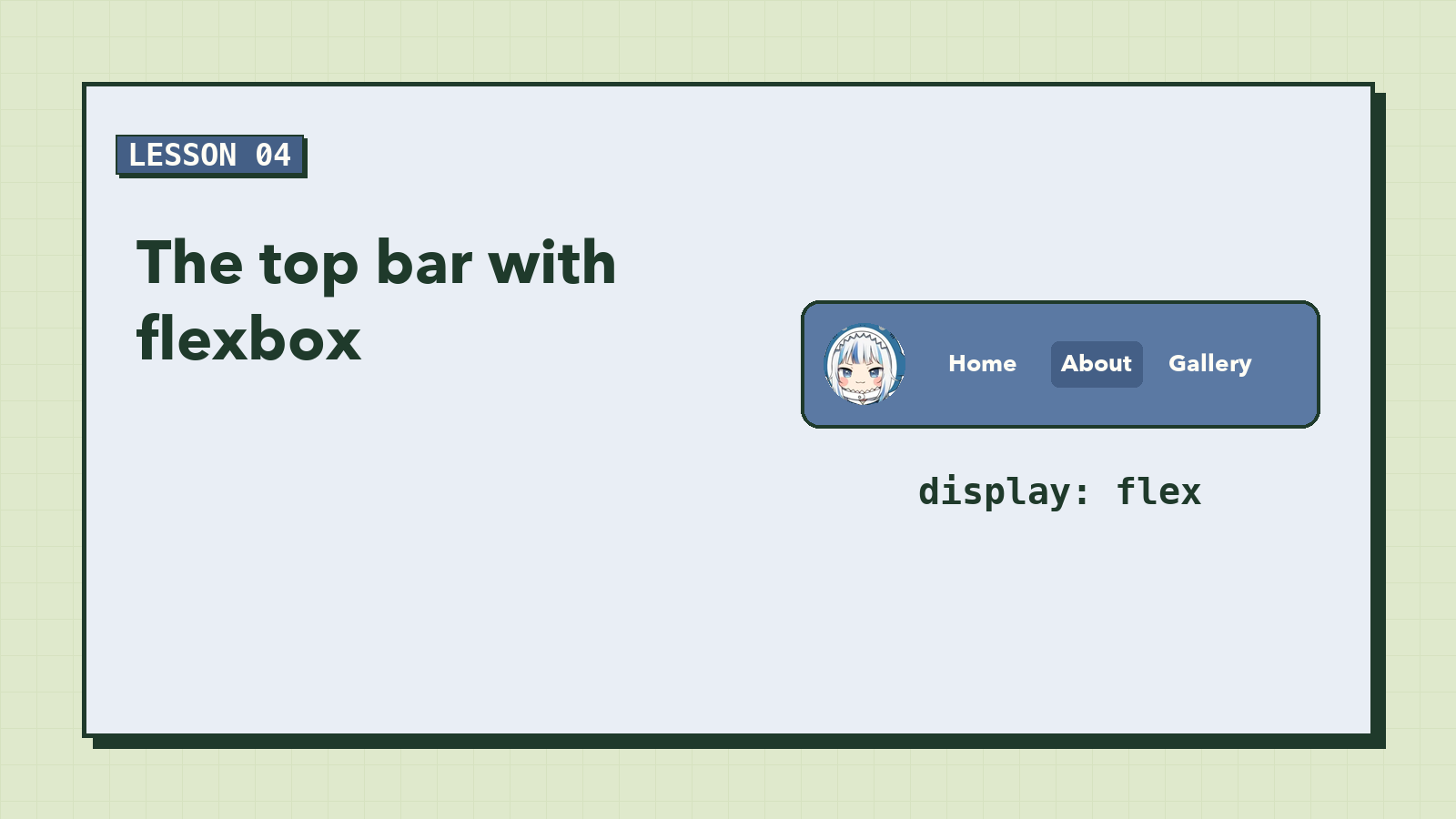
The Top Bar with Flexbox
Two things on one line, pushed to opposite edges, perfectly centered vertically. It sounds simple, and for years it wasn't. Flexbox makes it three lines of CSS. Build the top bar: a round avatar with an online dot, a name, and links with an active pill.
 Beginner
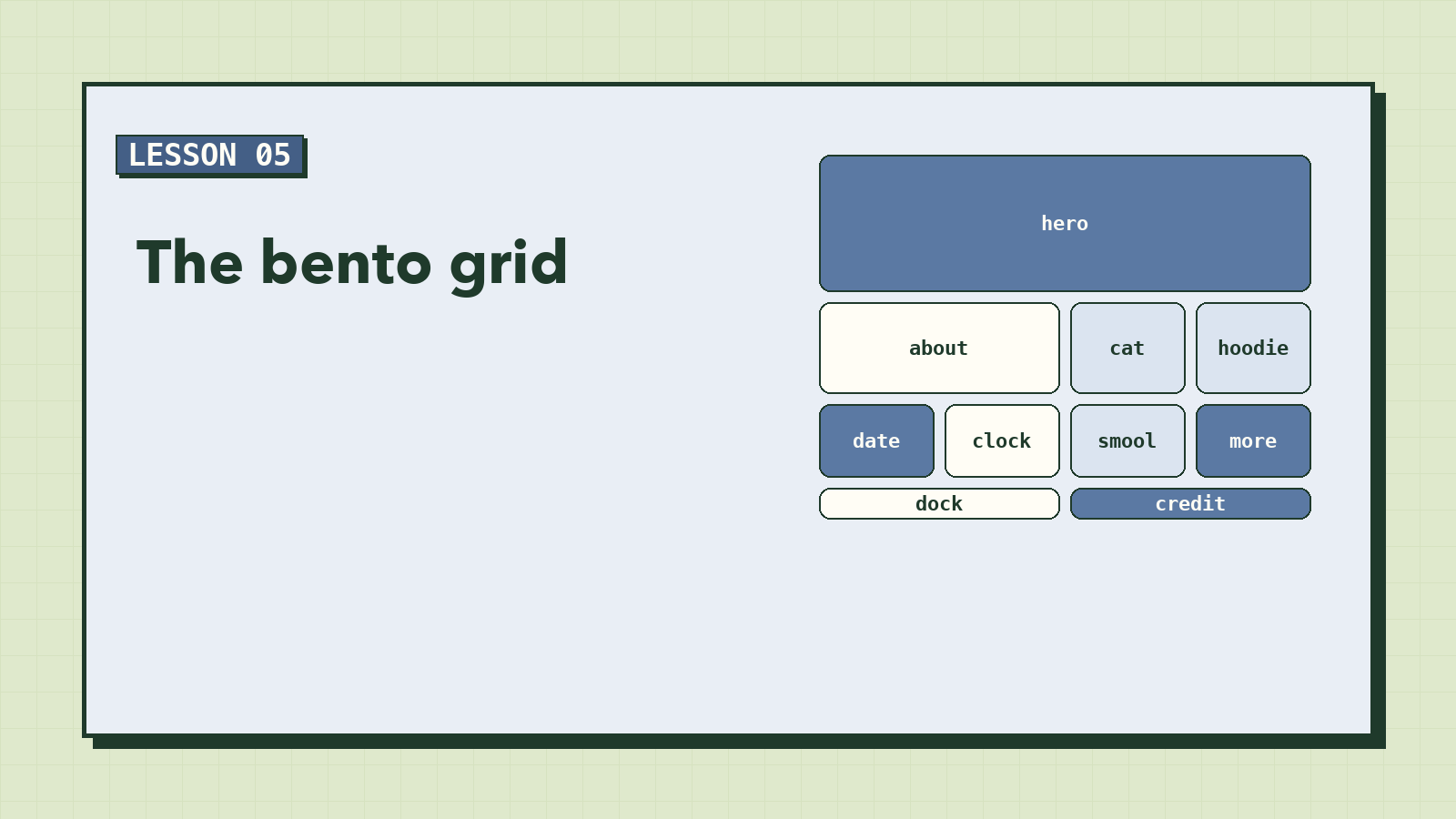
The Bento Grid
Ten cards of different sizes, all lined up perfectly. With CSS Grid you can draw the layout as a little text map, and the browser builds it. This is the lesson where the long column finally becomes the design.
 Beginner
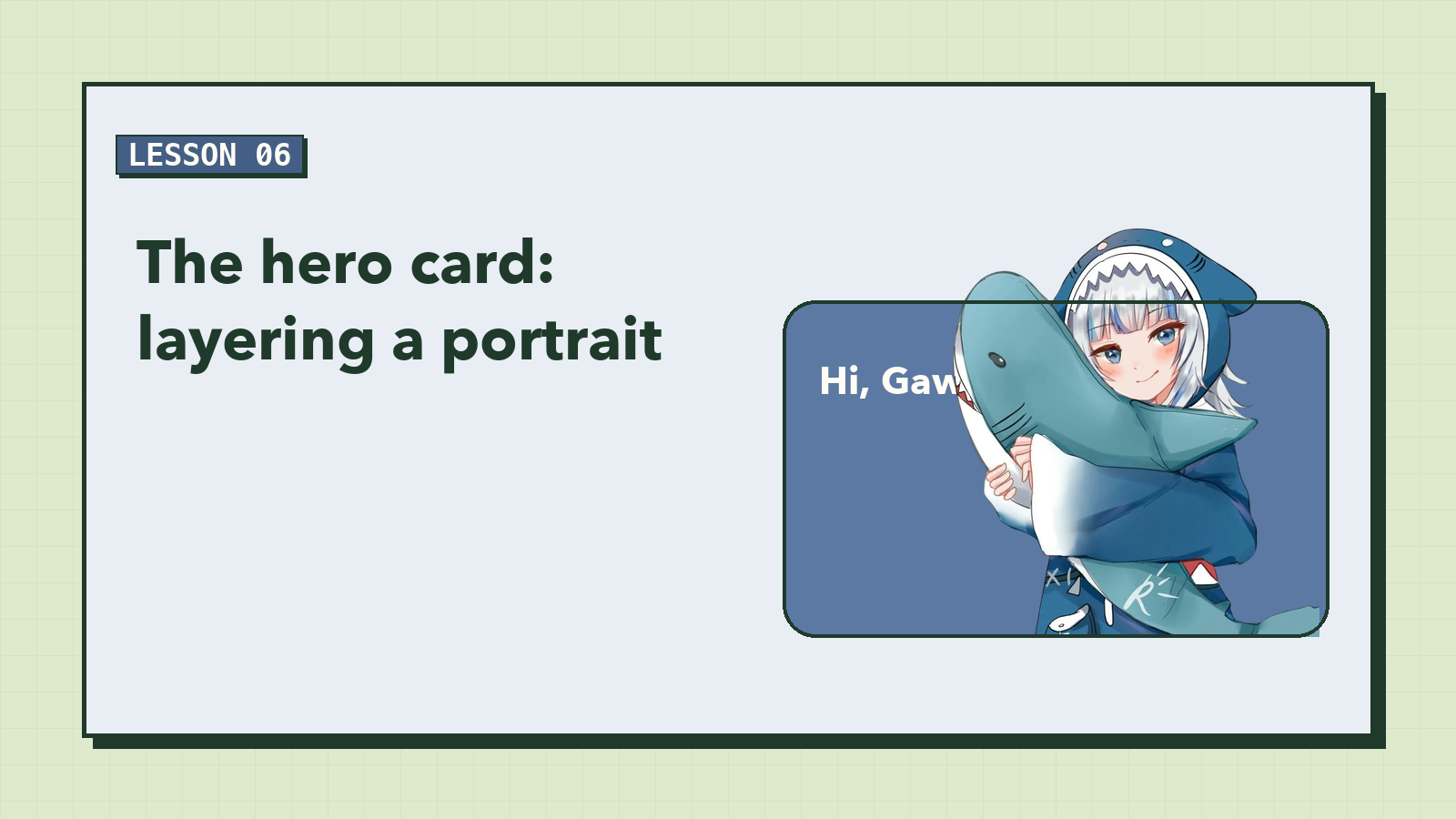
The Hero Card: Layering a Portrait
The best detail in the reference design is the character breaking out of her card, her head poking above the top edge. It looks like a trick, and it's really just two positioning rules and some arithmetic. Build the hero card and its slider styling.
 Beginner
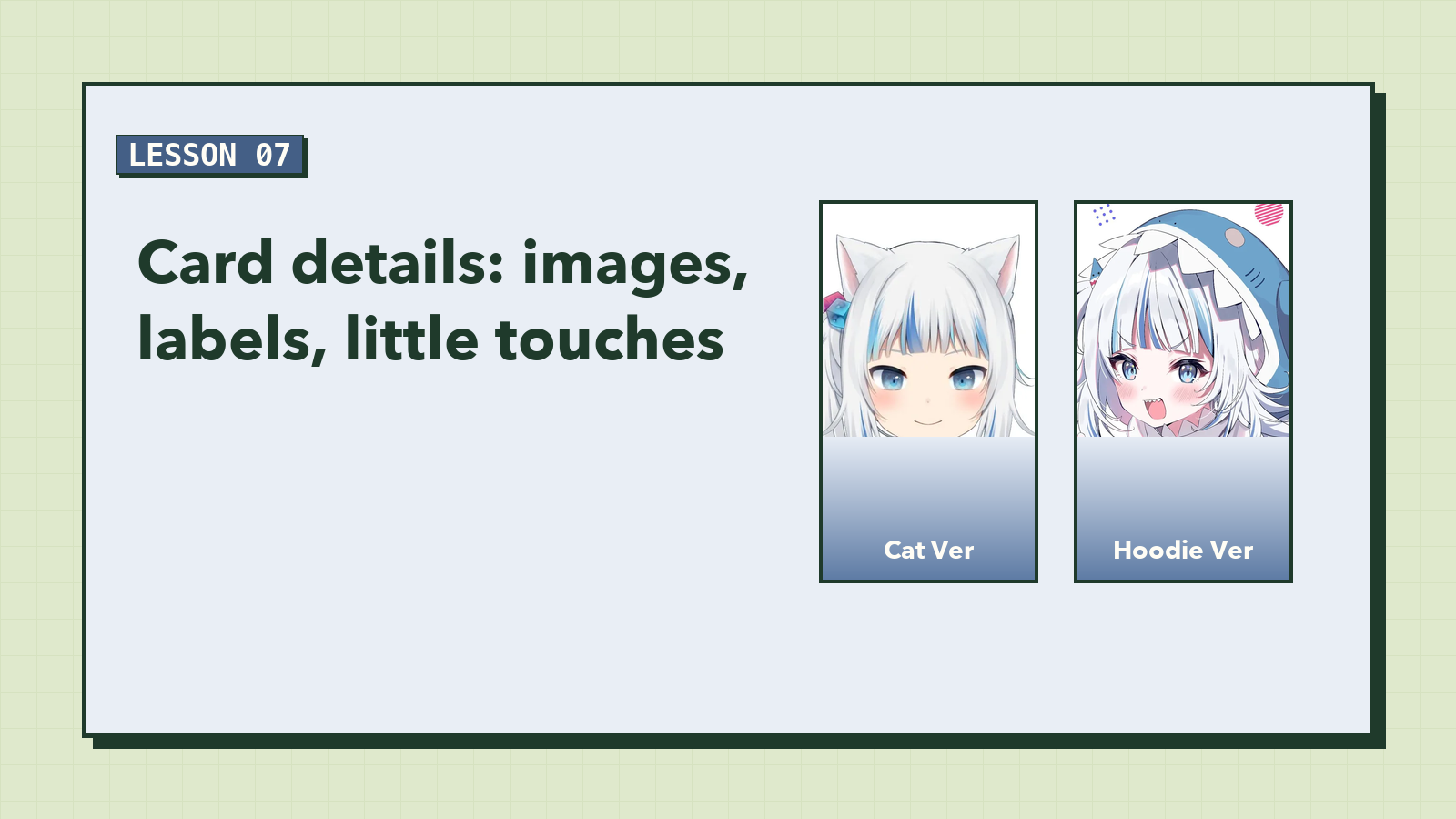
Card Details: Images, Labels, Little Touches
The layout is right; now each card needs to feel finished. Crop images without stretching them, lay readable labels over pictures, align numbers so they don't jiggle, and size icons properly. Small rules, big difference.
 Beginner
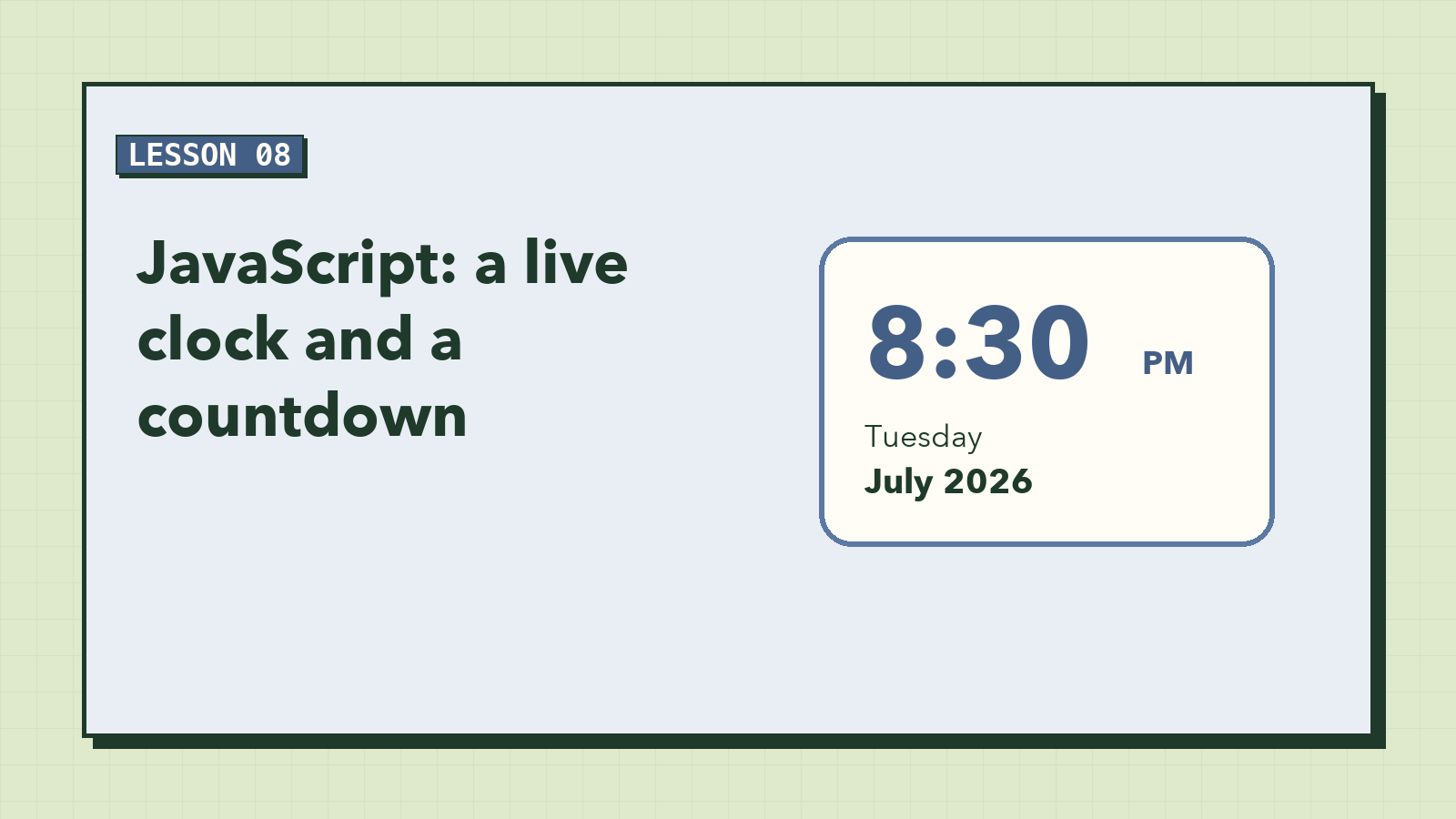
JavaScript: A Live Clock and a Countdown
A static page shows what was true when you wrote it. A few lines of JavaScript show what's true right now: the current time, ticking every second, and how many days are left until her birthday.
 Beginner
JavaScript: The Slider and the Credits Panel
Make the page respond to people. Build a slider that rotates on its own, jumps when you click a dot, and politely pauses while someone is reading. Then a pop-up panel that closes the three ways people expect: the button, the Escape key, or a click anywhere else.